

Heron
Markdown editor for macOS
platform:  macOS, Apple silicon
version:   1.0.2
licence:   one person, up to 3 Macs
price:     $19.99 introductory, $24.99 after
You edit the rendered document.
Most of the writing around code is Markdown. The README, the ADRs, the runbook you wrote after breaking the same release twice. Heron renders all of it in the pane you are typing in, on the plain files already sitting in your repo.
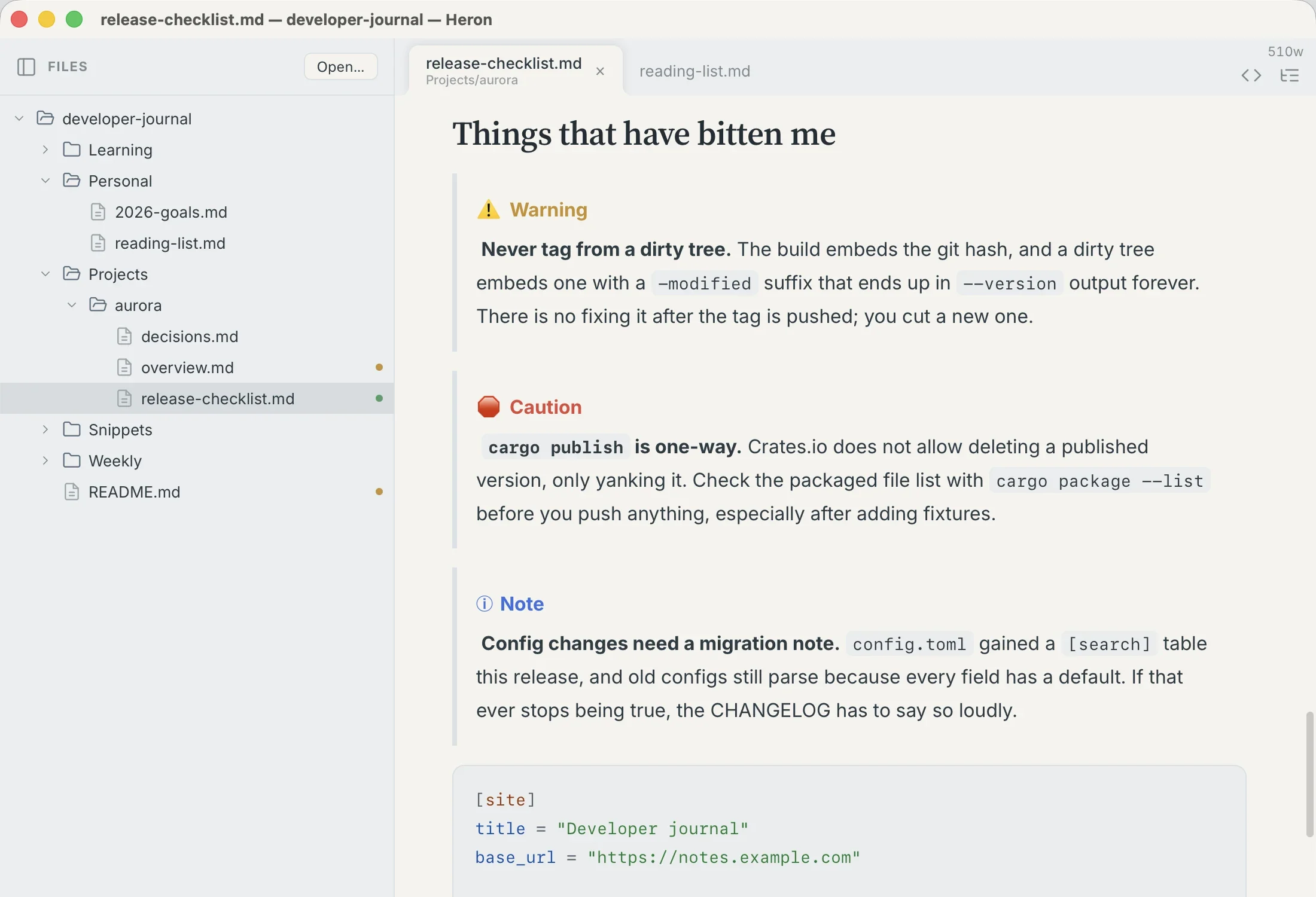
> [!WARNING], > [!CAUTION] and > [!NOTE] in the file. GitHub will draw them the same way.The reasonable worry about a WYSIWYG Markdown editor is that it will be fine right up until the document gets interesting. Bold, italic, bullet lists, sure. Then you paste in a Mermaid diagram and get a grey box with the word mermaid sitting on top of it.
What you type, and what you get
Every one of these renders in place as you type it, and goes back to the file as the plain text it came from.
| You write | Heron shows |
|---|---|
| a | b | | A table. Tab between cells, drag a column border, set alignment; the alignment survives the save. |
```mermaid | The diagram, drawn. |
```toml, ```bash, … | Code, highlighted for that language. |
> [!WARNING] | A GitHub-style callout in colour. Note, Tip, Important, Warning, and Caution. |
- [ ] ship it | A checkbox you can click, which saves back as - [x]. |
$$ … $$ | Typeset math, inline in a sentence or set on its own line. |
[^1] | A numbered footnote, linked to its definition at the foot of the document. |
| YAML frontmatter | A metadata block above the document, kept out of the prose. |
 | The image. |
| Blockquotes, nested lists, rules | What GitHub would do with them. |
Six of them, in the app.
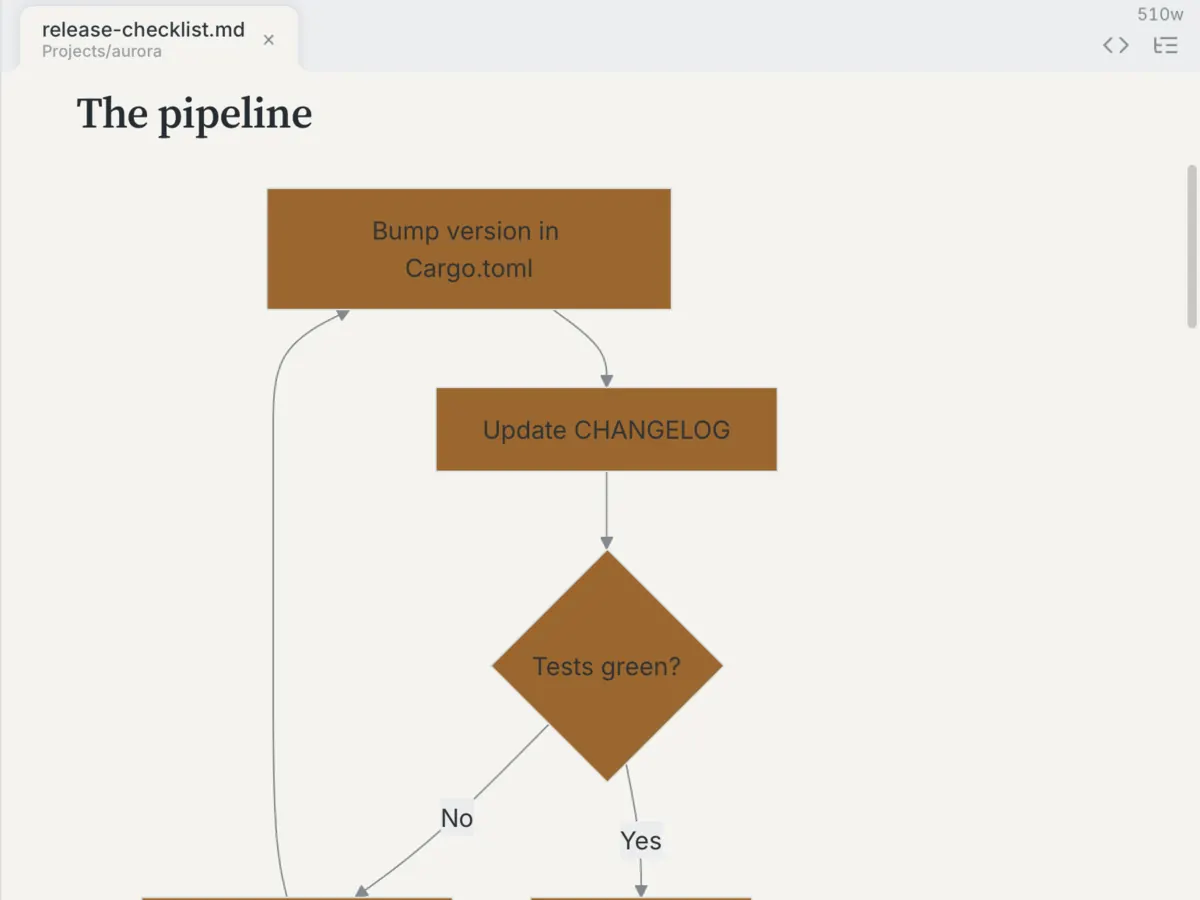
```mermaid fence, drawn here and left in the file as a fence, so GitHub still draws its own.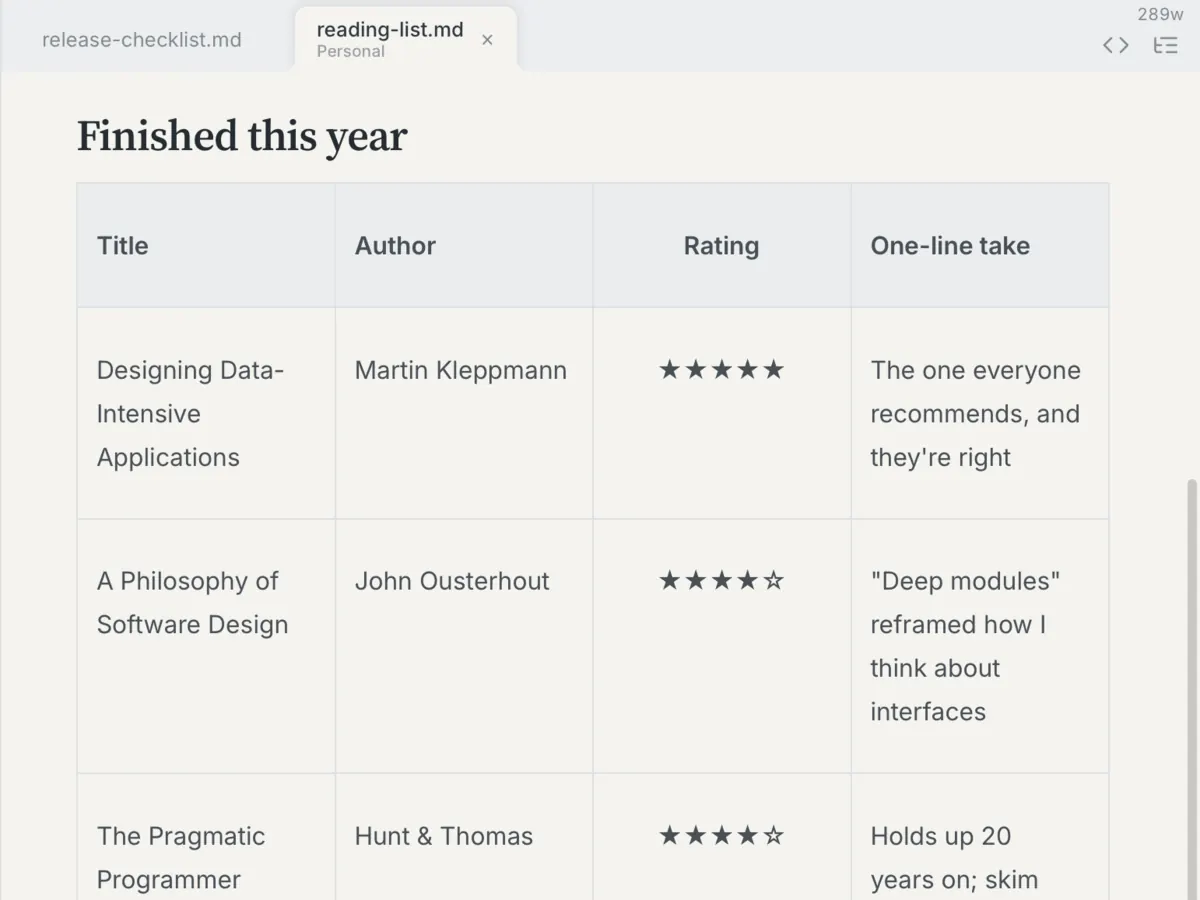
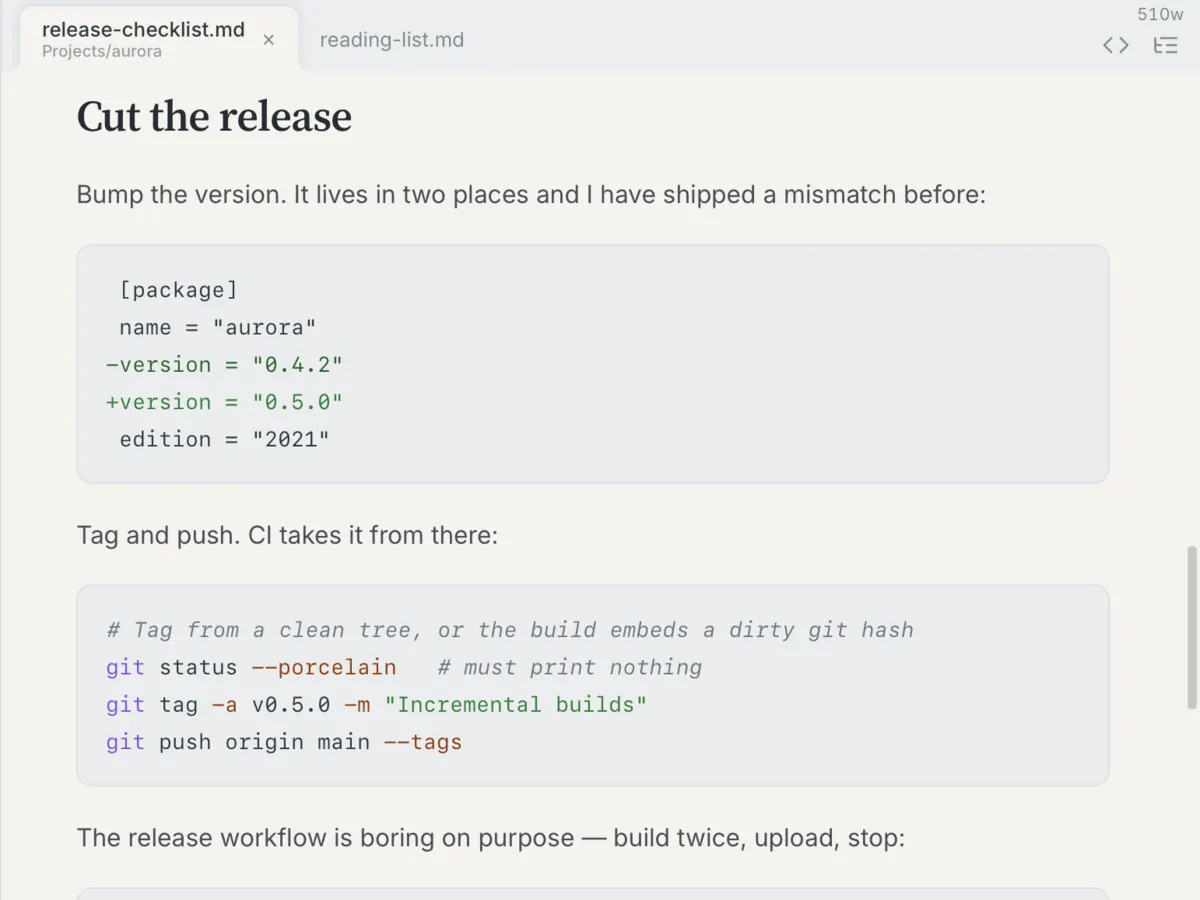
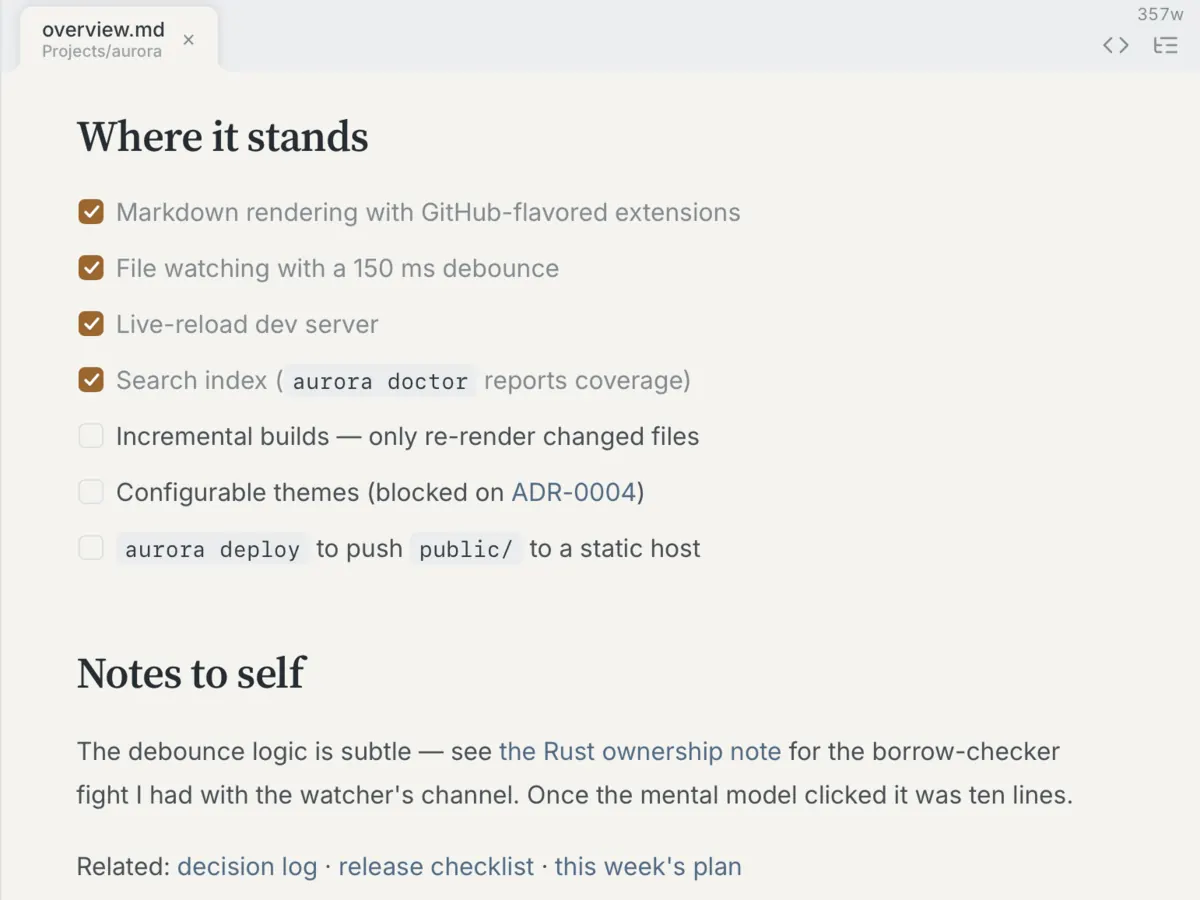
- [x] on disk. Nothing else moves.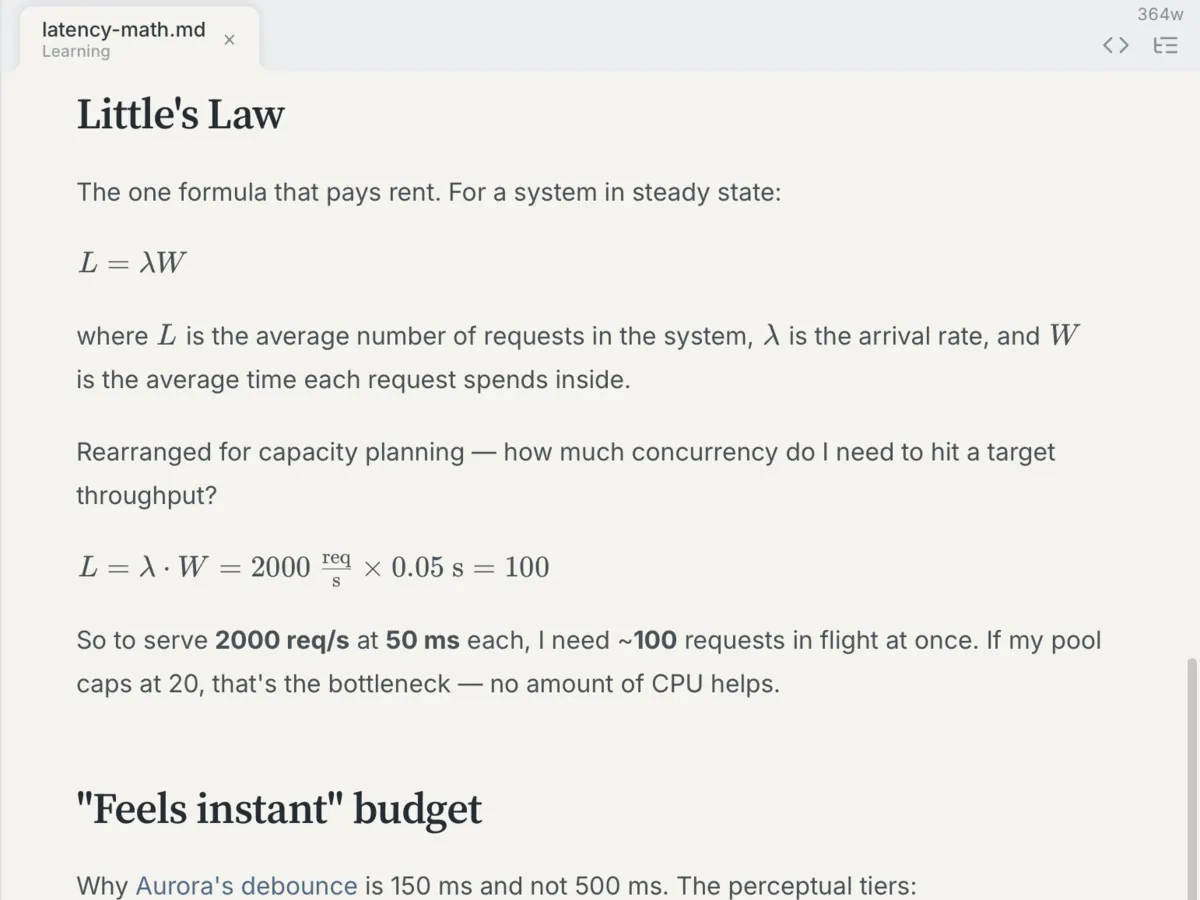
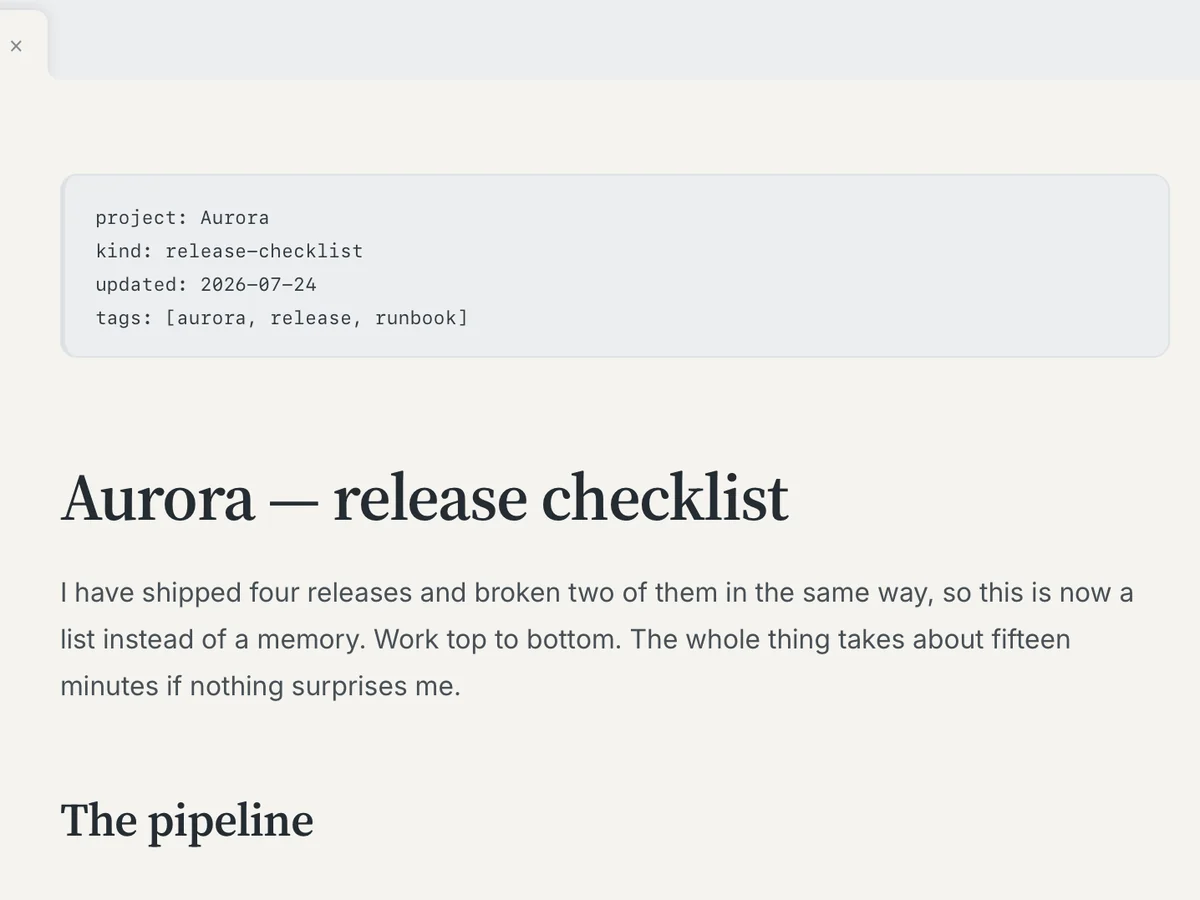
Your folder, your files
Heron opens a folder and shows you every .md file underneath it. No library and no format of its own.2 Point it at a repo, edit README.md and everything in docs/, then commit the way you always did.
A document you write in Heron looks like this on disk:
# Release checklist

> [!WARNING]
> Tag the release before the binaries go out.

- [x] Bump the version
- [ ] Notarise the DMG

| Step | Owner |
| ---- | ----- |
| Tag  | James |
Open it in vim, diff it, or hand it to whatever generates your docs site.1
It works across the whole folder
Heron watches the whole folder you opened: what you have changed anywhere inside it, what changed under you while you were elsewhere, and any file you want next, a couple of keystrokes away.
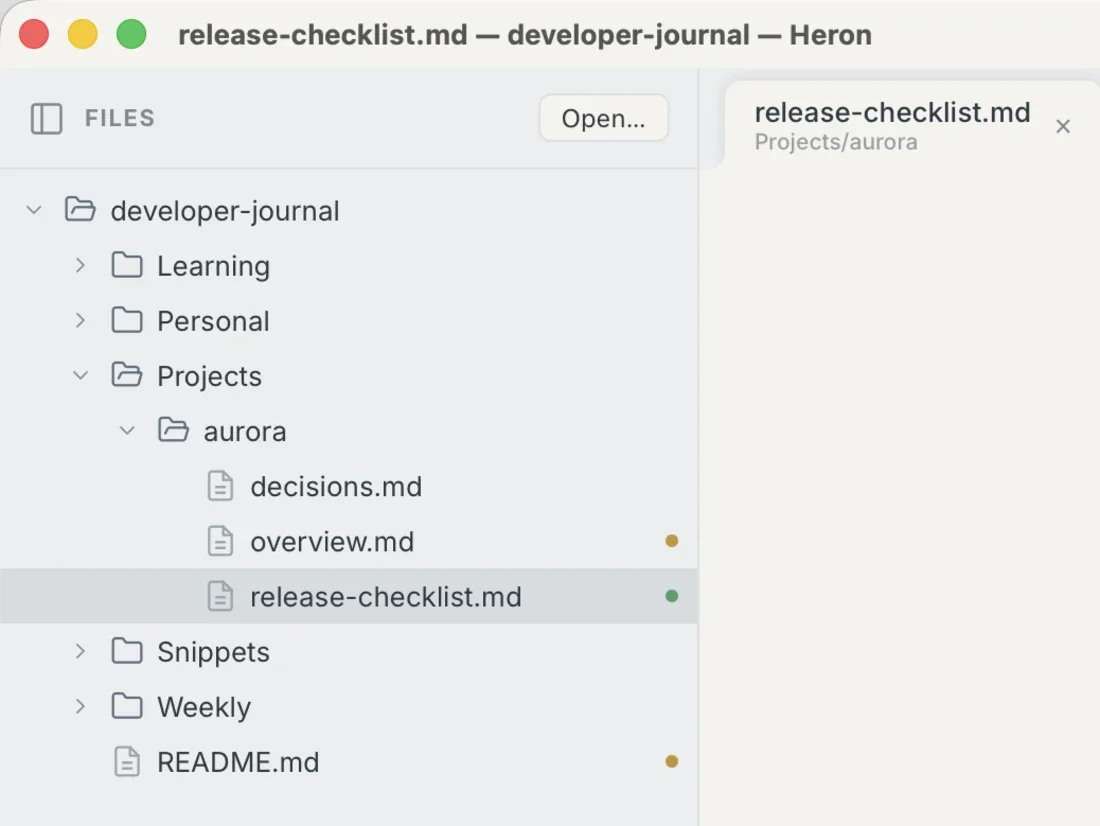
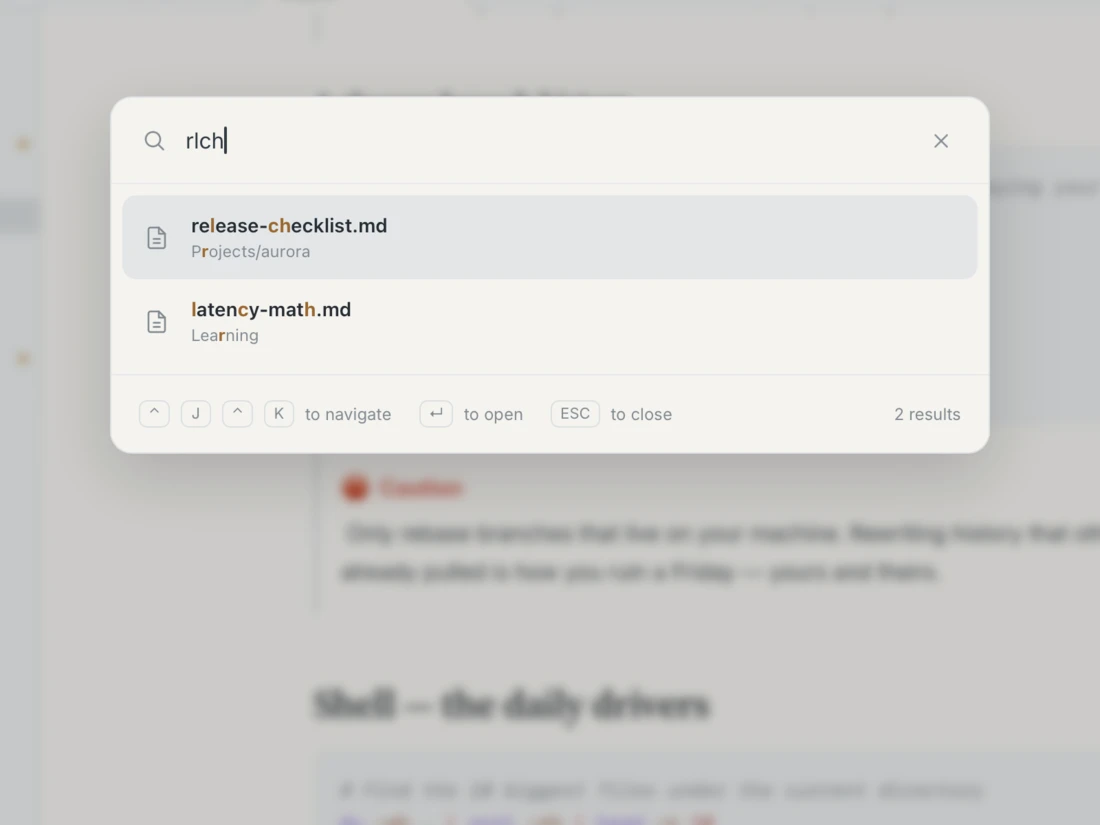
rlch. The letters have to be in order, not next to each other, and it looks at every file in the folder rather than only the ones on screen.Find and replace runs across every file in the folder at once, so renaming something everywhere is one operation rather than forty. A file edited outside Heron reloads in place while you watch it happen.
Two documents at once
Split the window and each side keeps its own tabs, its own scroll position, and its own file.
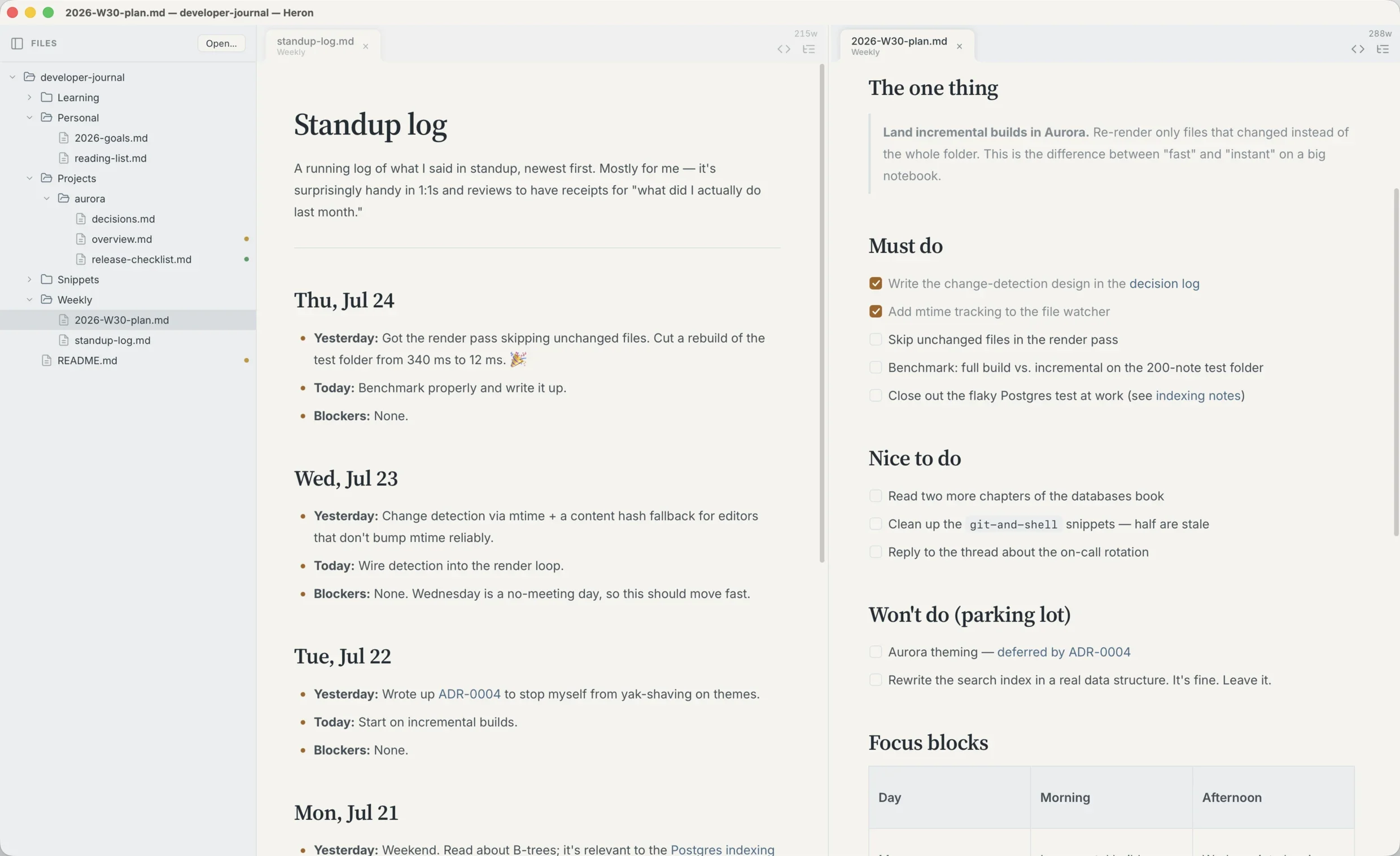
The rest of the editor is what you would expect one to have: tabs, an outline of the current document, word count, native macOS spellcheck, Print or Save as PDF, and Copy as Rich Text for the email where Markdown will not survive.
Eleven themes
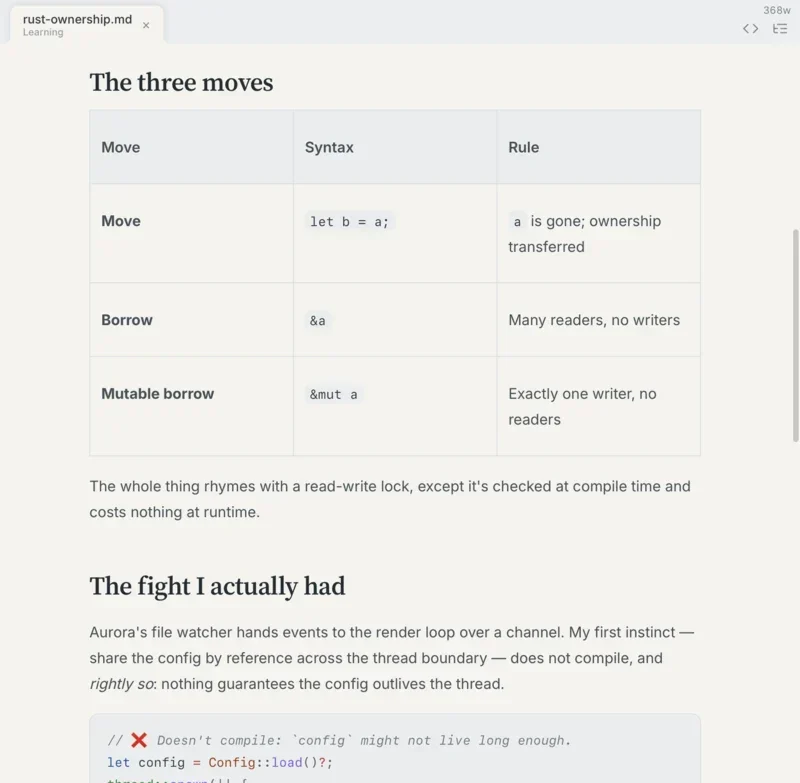
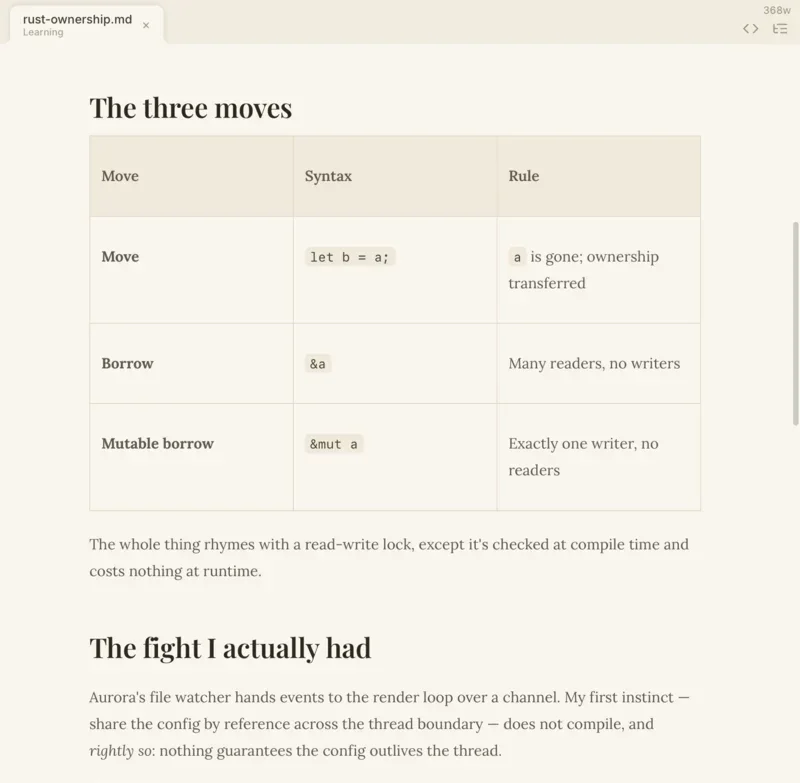
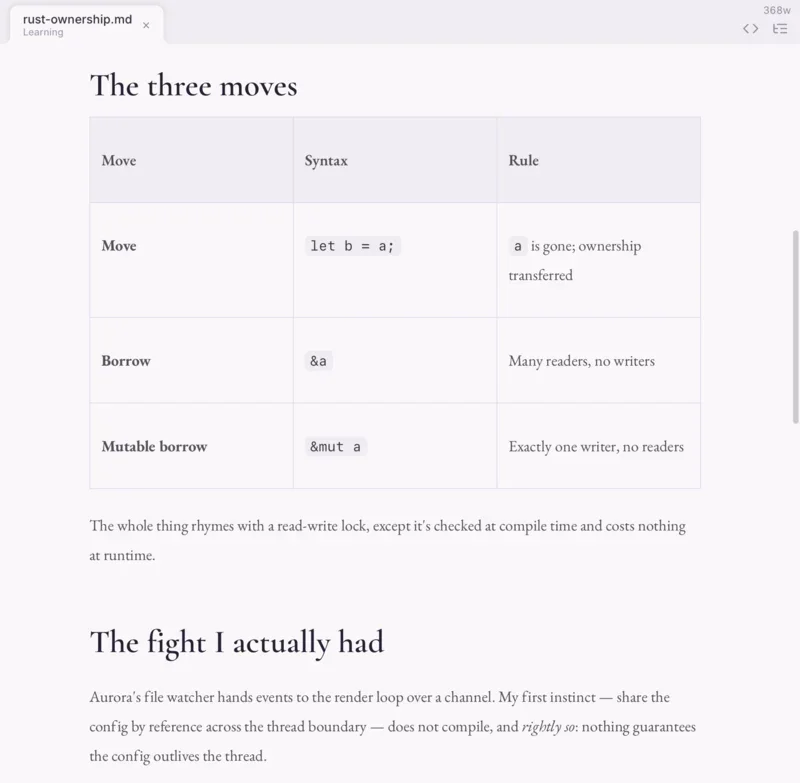
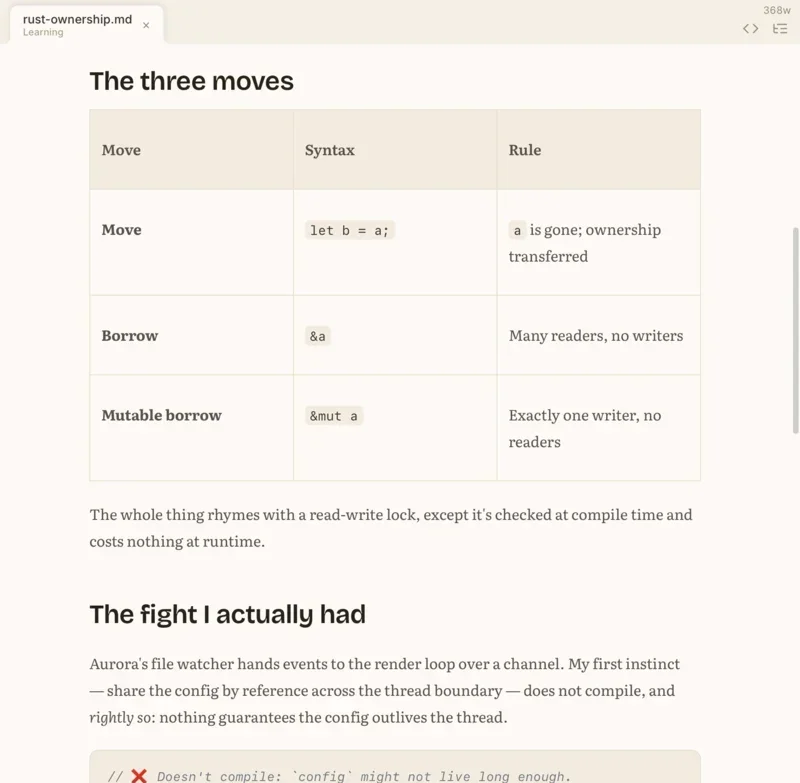
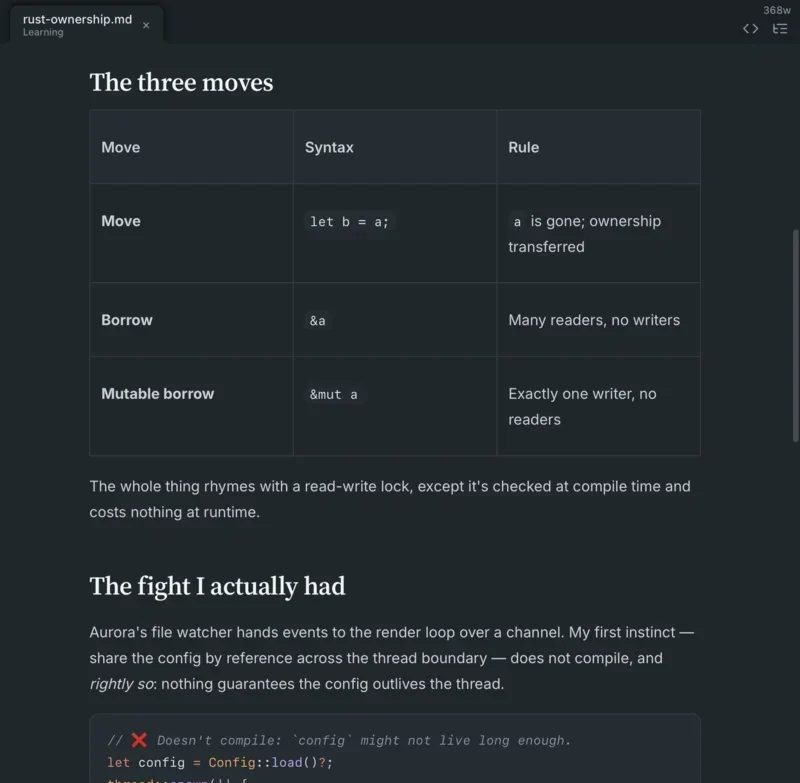
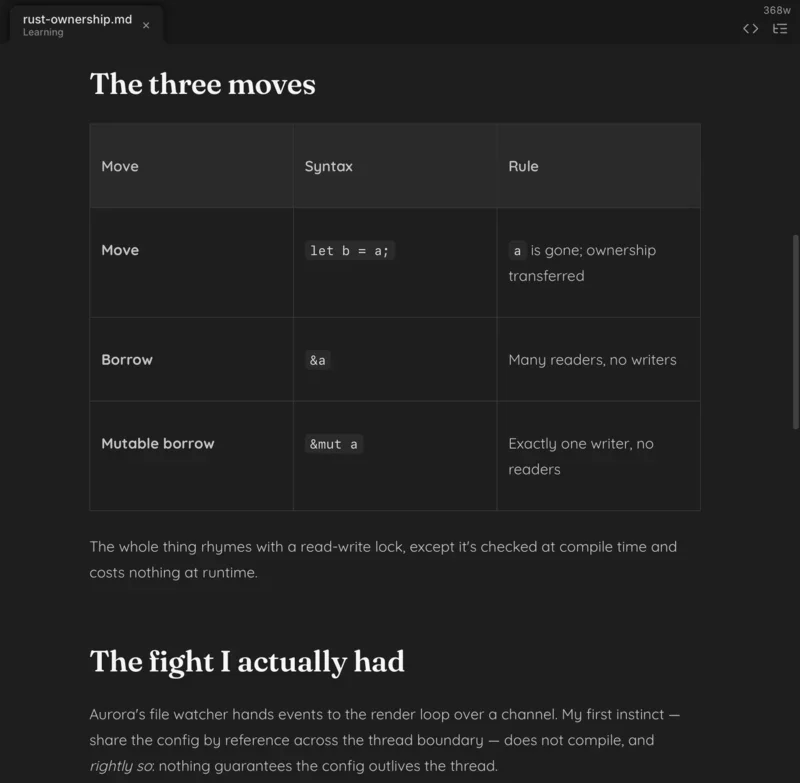
A theme sets the typeface and the line width as well as the colour. You are picking paper, not a palette. Eleven ship, in light and dark. Here is one file in six of them.
What it costs
$19.99 introductory, $24.99 after3
One payment. One licence for one person, on up to three Macs. Every 1.x update included. Nothing to renew, nothing to cancel, and no plan to move any of this behind a subscription.
Buy Heron for macOS Download the 14-day trial
The trial is the whole app for fourteen days, not a cut-down version of it, and it does not ask you to make an account.
Details
- Your files
- Plain
.mdfiles in a folder you choose. Heron edits them where they already are. - Account
- None.
- Support
- Through the contact form. We aim to reply within two business days.
- 1
There is an escape hatch, per tab. A
</>button at the end of the tab bar flips the current document to its raw Markdown and back, for the handful of things you would rather type by hand. ↩- 2
Heron does not sign you in, sync anything, or send your documents anywhere. ↩
- 3
$19.99 is the introductory price and it becomes $24.99 when the introductory period ends. Buy at either price and the 1.x updates are included the same way. ↩